



Buying guide · Published

Cat Feeder Kibble Compatibility: Which Model Fits Your Food?

Compare exact food-size limits, the Simply Feed splitter restriction and served-bowl alternatives before choosing a cat feeder.

The short answer

Choose by the job you need done.

Match food type and exact size limits before buying. One RFID lists dry kibble 2–15 mm; Simply Feed lists up to 3/4 inch, reduced to 1/2 inch with its splitter. Standard SureFeed serves a manually filled wet/dry bowl instead of dispensing through a hopper.

Exact scope · US One RFID PLAF301, Simply Feed PFD00-14574 with optional ZAC19-17079 splitter, and standard non-Connect SureFeed. Conditional food-fit choices within these profiles, not a market-wide ranking.
A shortlist for different needs

Three approaches.
Choose the one that fits.

Dry food + selective access

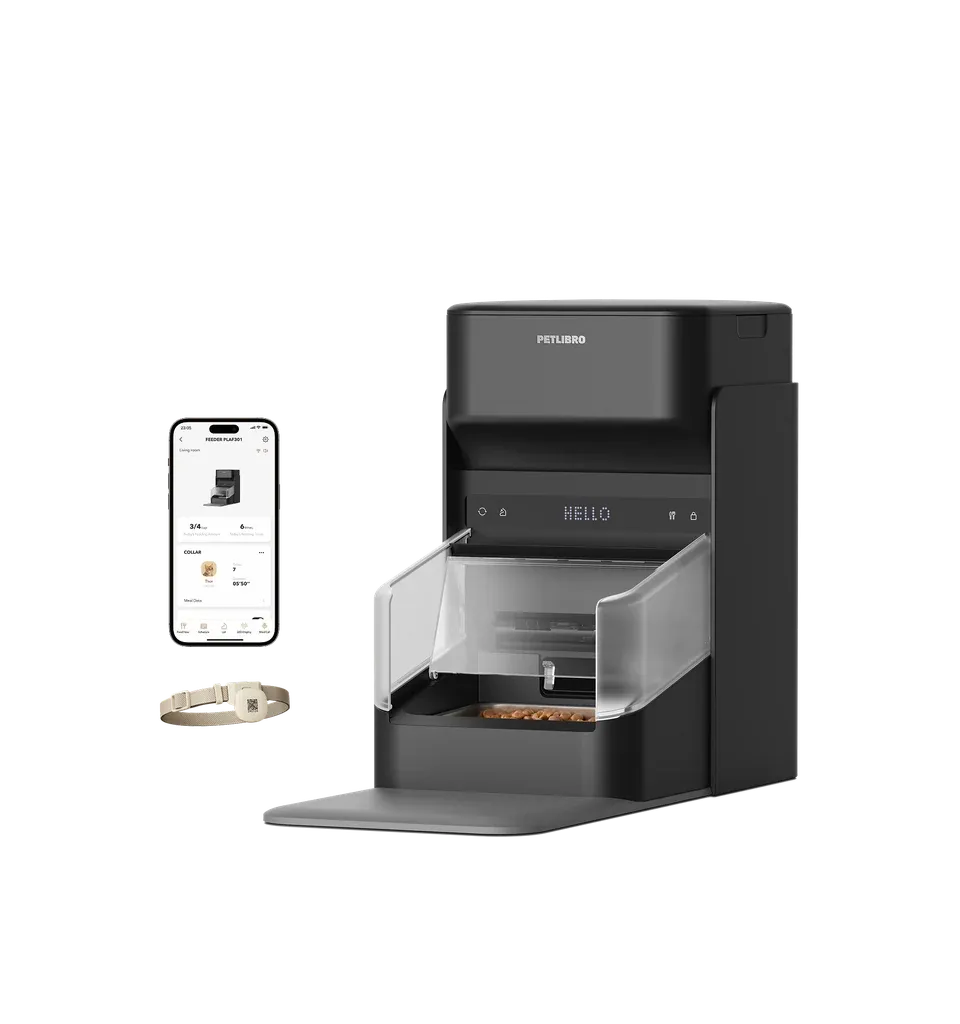
PETLIBRO One RFID

PLAF301
Fits if
Dry kibble within its listed 2–15 mm diameter range.
The tradeoff
Food fit and collar-tag acceptance must both work.
Choose another approach if
Wet food or a guaranteed all-shapes dispensing claim.
[1]Read the full review
Conveyor + accessory check

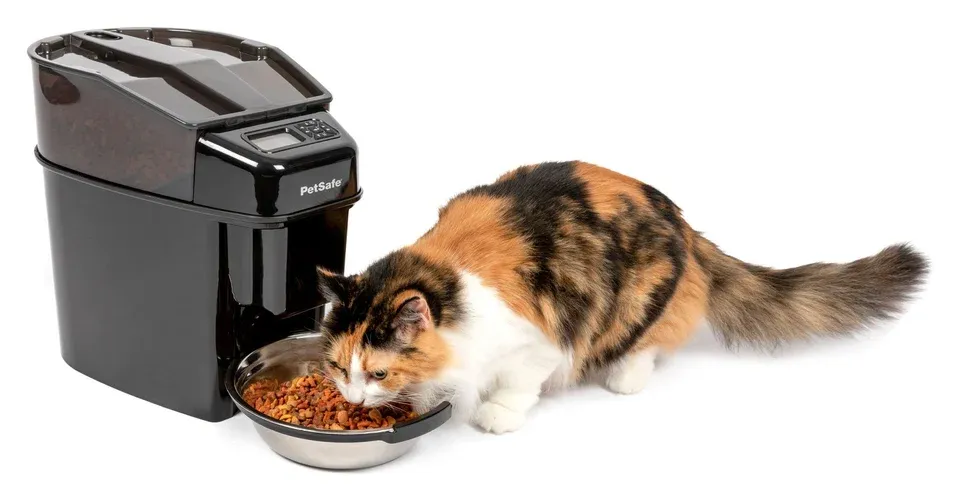
PetSafe Healthy Pet Simply Feed

PFD00-14574
Fits if
Listed base diameter limit is 3/4 inch; check the smaller splitter limit separately.
The tradeoff
Semi-moist language conflicts with the linked manual; seek exact-food confirmation.
Choose another approach if
Wet/canned food or assuming the base limit also applies to the splitter.
[2][3][5]Read the full review
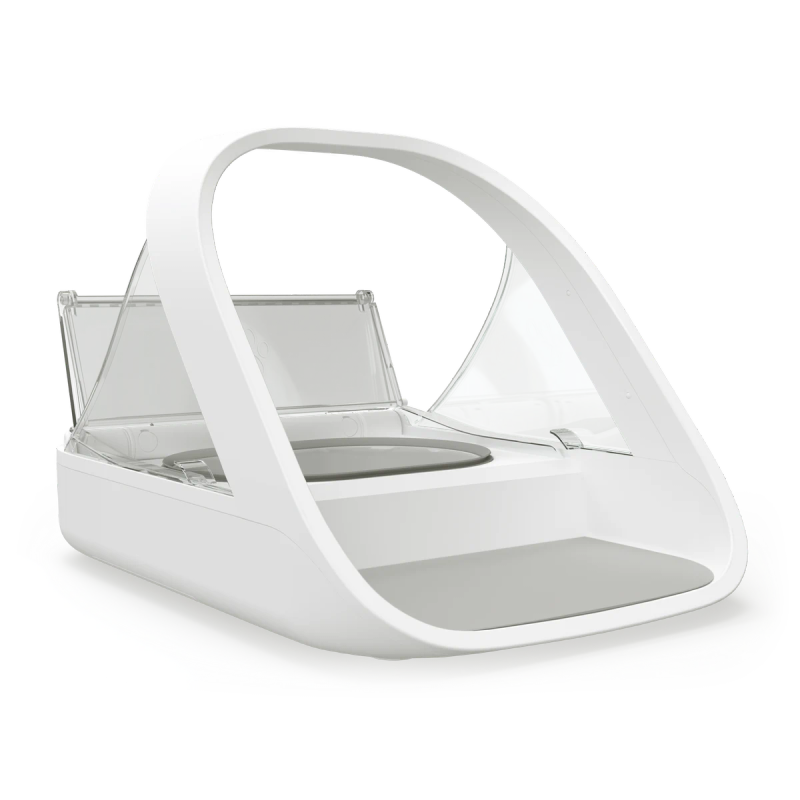
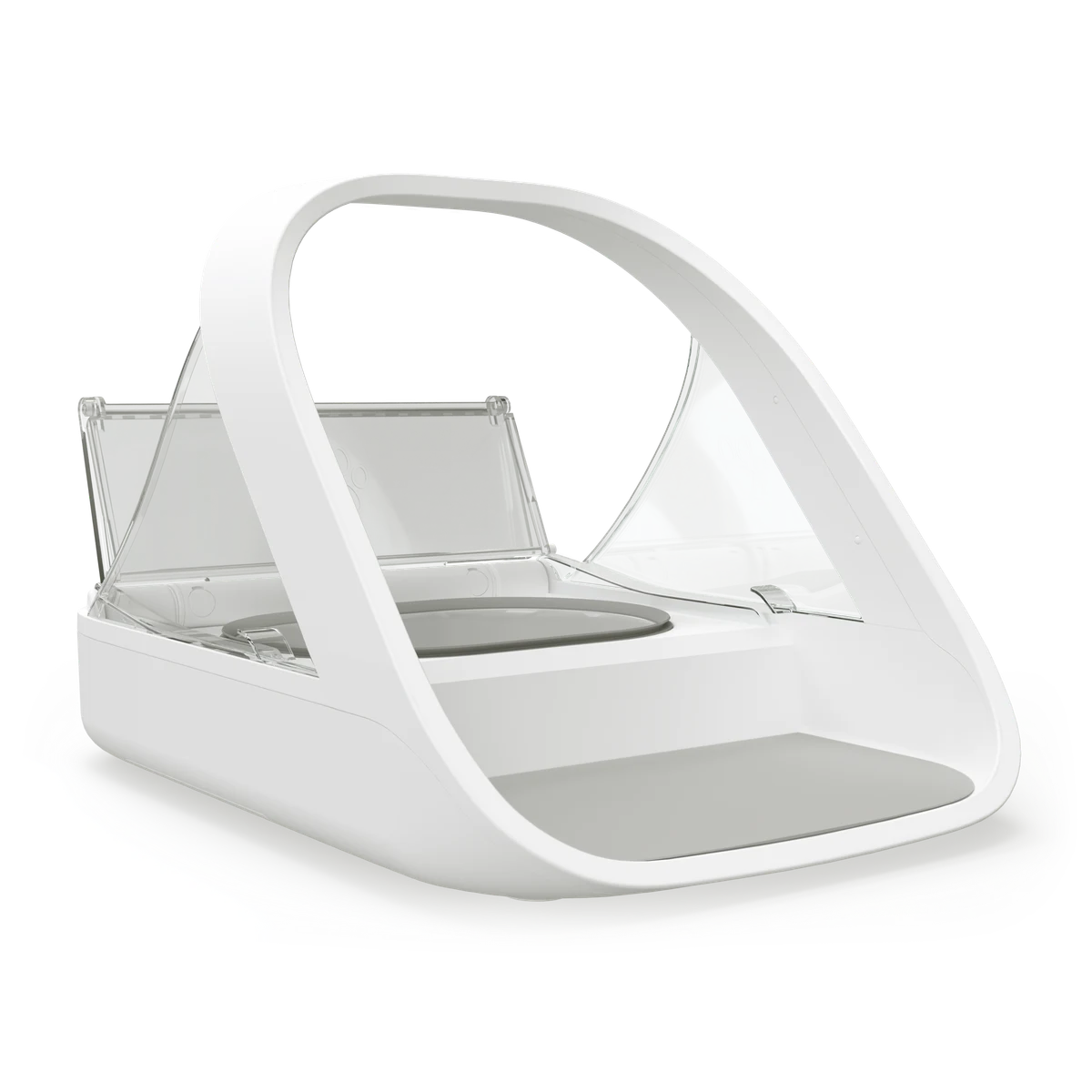
SureFeed Microchip Pet Feeder, standard model, shown at an angle with the lid open.
Manufacturer press photo · Sure Petcare.
Served bowl alternative

SureFeed Microchip Pet Feeder

Standard non-Connect SureFeed
Fits if
Access to a manually filled bowl without hopper passage.
The tradeoff
You still fill the bowl; this is not timed dispensing or refrigeration.
Choose another approach if
Automatic portion dispensing from stored food.
[4]Read the full review
At a glance

Match the choice to the need.

Household needOption to considerBoundary to check
Dry kibble and tag accessOption to considerOne RFID PLAF301Boundary to check2–15 mm diameter; dry food only.[1]
Base conveyor size limitOption to considerSimply Feed PFD00-14574Boundary to checkUp to 3/4 inch diameter (about 19.1 mm); not a measured jam-resistance winner.[2]
Optional two-bowl splitterOption to considerSimply Feed + ZAC19-17079Boundary to checkUp to 1/2 inch diameter (12.7 mm), not the base limit.[3]
Semi-moist foodOption to considerAsk PetSafe for exact-food clarificationBoundary to checkSupport listing and linked manual conflict; do not treat compatibility as settled.[2][5]
Wet food without hopper passageOption to considerStandard SureFeed served bowlBoundary to checkManually filled; no timed dispensing or active cooling.[4]
Before the first unattended meal

Check the complete routine.

  • Check exact model and accessory.
  • Check food type before size.
  • Measure several pieces and note shape.
  • Keep volume settings separate from gram measurements.
  • Supervise setup and follow refilling/cleaning instructions.

Watching a scheduled serving checks setup and access; it does not validate food-storage safety.

Before buying

A few useful questions.

Can I use wet food in One RFID?

No. PETLIBRO specifies dry food only for PLAF301.[1]

Does the Simply Feed splitter keep the base kibble limit?

No. ZAC19-17079 specifies up to 1/2 inch diameter.[3]

Can Simply Feed use semi-moist food?

The support listing says yes but its linked operating guide says dry only and excludes moist food. Confirm your exact food with PetSafe.[2][5]

Why might Simply Feed dispense the wrong amount?

PetSafe lists priming, overlapping schedules, conveyor alignment and debris as troubleshooting checks.[6][7]

A closer look

Setup, limitations and related reading.

Feeding routine illustration
SureFeed Microchip Pet Feeder, standard model, shown at an angle with the lid open.
Manufacturer press photo · Sure Petcare.
Start with the food, then choose the mechanism

A feeder's size limit is a starting point, not a promise that every food of that size will dispense equally. Check the exact model, the food type and any accessory before comparing capacity or schedules.

For a hopper dispenser, measure several pieces from the food you actually buy. Record the longest dimension as well as thickness; a round diameter specification does not fully describe a flat, triangular or irregular piece. This is a practical screening step, not a substitute for the manufacturer's compatibility instructions.

Three different food paths

One RFID PLAF301: scheduled dry food with tag access. PETLIBRO specifies dry kibble measuring 2–15 mm in diameter. Wet food is excluded. Choose it only when both food fit and the dedicated collar-tag arrangement suit your routine. Manufacturer specifications

Simply Feed PFD00-14574: conveyor dispensing. PetSafe lists a maximum diameter of 3/4 inch, approximately 19.1 mm. With the optional ZAC19-17079 splitter, the smaller 1/2-inch limit—12.7 mm—applies. Buying an accessory changes the food-fit check; the base feeder's larger limit cannot be carried over. Base specifications · Splitter specifications

Standard SureFeed: food served directly in a bowl. You fill the bowl yourself; identification controls access rather than dispensing food through a hopper. It supports served wet and dry food, making it a different option when hopper passage is the problem. It does not replace a timed dispenser or refrigerate the meal. Sure Petcare specifications

Check the Simply Feed food-type conflict

PetSafe's support listing describes dry and semi-moist food, but the operating guide linked from that same page says dry food only and excludes wet, canned or moist food in its safety section. We would choose dry food for a shortlist and request clarification for the exact semi-moist product before buying it for that purpose. Do not interpret the listing as permission to pour canned food into the hopper. Support listing · Operating guide, page 2

Size, shape and portion settings are different checks

A bigger stated size limit does not establish better jam resistance. These models have different food paths, and the manufacturer's size statement does not provide a comparison of irregular shapes or accuracy with your chosen food.

Likewise, a volume setting is not a universal weight setting. Pieces with different dimensions pack differently, so do not treat the same nominal portion across two foods or feeders as the same number of grams. For a new food, observe several supervised deliveries and check the output against your intended amount before relying on the schedule. This is a setup check, not a recommendation about how much your cat should eat.

If the output changes, check setup before changing the schedule

For Simply Feed, PetSafe identifies missing priming after refilling, overlapping meal times, conveyor alignment and accumulated debris as possible causes of the wrong amount being dispensed. Follow the model's priming and cleaning instructions rather than increasing portions to compensate for an unresolved mechanism problem. Troubleshooting · Priming instructions

Before buying
  • Confirm the exact model and any splitter/accessory.
  • Check food type first, then dimensions and shape.
  • Ask the manufacturer about irregular or borderline pieces rather than assuming a fit.
  • Keep cup or volume settings separate from gram measurements.
  • Plan supervised setup, refilling and cleaning checks.

For model details, read One RFID, Simply Feed or standard SureFeed. If the food fits, continue with local controls and offline routines or planning feeders for two cats. For wet-food dispensing rather than served-bowl access, use the cooling guide.

Browse the complete cat feeder reviews for model details and current buying options.

Sources & evidence 7 references
  1. PETLIBRO One RFID specifications and FAQ
  2. PetSafe Simply Feed product support
  3. PetSafe ZAC19-17079 splitter specifications
  4. Sure Petcare standard SureFeed specifications
  5. PetSafe PFD00-14574 operating guide
  6. PetSafe incorrect amount troubleshooting
  7. PetSafe Simply Feed priming instructions